
OCO Orders: One-Cancels-the-Other Explained
⚡ Key Takeaways
- An OCO (One-Cancels-the-Other) order links two separate orders together so that when one fills, the other is automatically cancelled.
- The most common OCO use case pairs a stop-loss order with a profit-target order, ensuring that only one exit executes and no orphaned orders remain active.
- OCO orders automate risk management and profit-taking, removing the need for constant market monitoring and the danger of forgetting to cancel a leftover order.
- Most major brokerages support OCO orders, though the setup process and terminology vary by platform — some call them "linked orders" or "conditional orders."
- OCO orders differ from bracket orders in that a bracket includes the entry order along with the OCO exit pair, while a standalone OCO only covers the exit side.
What Is an OCO Order?
An OCO (One-Cancels-the-Other) order is a pair of conditional orders submitted together with a special instruction: if either order fills, the other is immediately and automatically cancelled. This linking mechanism ensures that only one of the two orders can ever execute, preventing the scenario where both orders fill and create unintended positions.
The OCO order solves a practical problem that every active trader faces. When you hold a position, you typically want two things to happen: either price reaches your profit target and you exit with a gain, or price hits your stop loss and you exit with a controlled loss. Without an OCO, you would need to manually cancel the stop loss if the target fills, or cancel the target if the stop fills. If you forget — or if you are away from your screen — both orders could execute, leaving you with unexpected exposure.
OCO orders are a core building block of trade management and are used by day traders, swing traders, and position traders alike.
How OCO Orders Work
The Mechanics
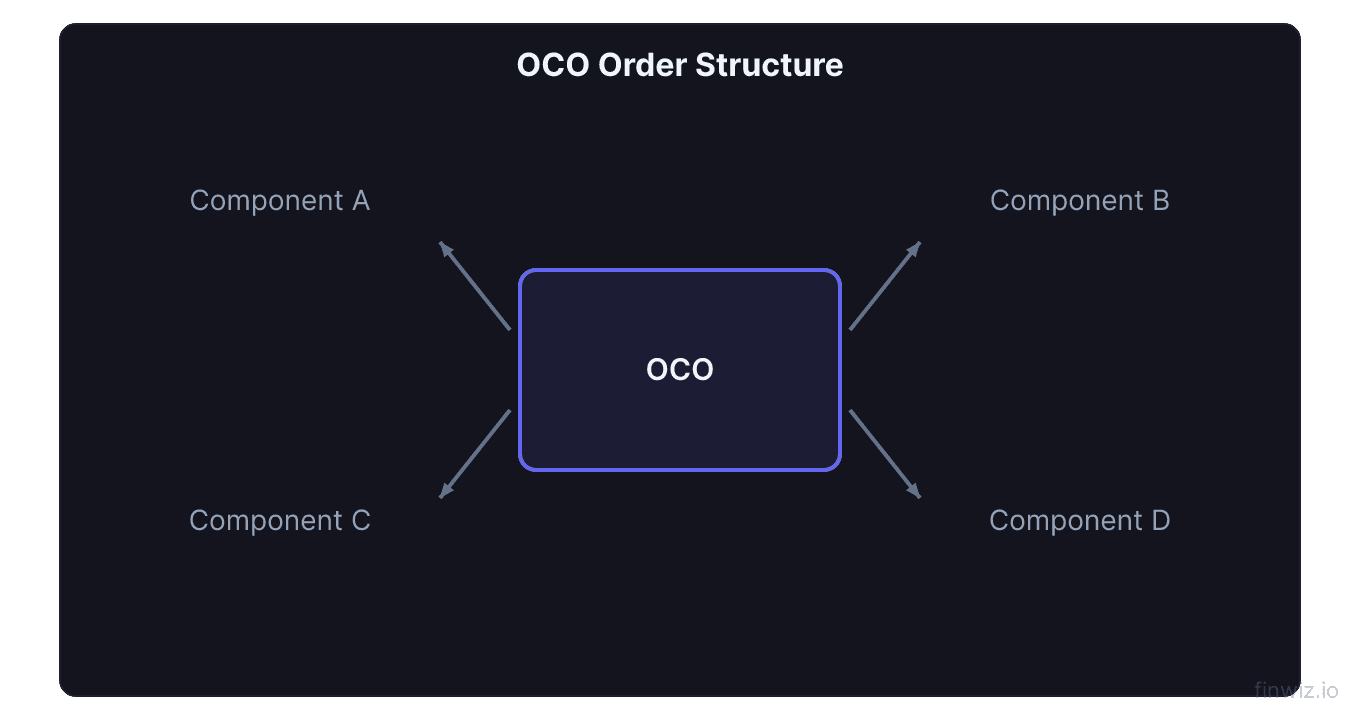
An OCO order consists of two individual orders — Order A and Order B — linked by the OCO instruction. Here is how it works in practice:
- You submit both orders simultaneously with an OCO designation.
- Both orders are placed on the market. They are active and waiting to be triggered.
- One order fills. Let's say Order A fills.
- The broker automatically cancels Order B. This cancellation happens without any action from you.
The two orders in an OCO pair can be any combination of order types: limit orders, stop orders, stop-limit orders, or trailing stops. The orders do not even need to be on the same side — one can be a buy and the other a sell, or both can be sells (the most common configuration for exiting a position).
Common OCO Configuration: Stop Loss + Profit Target
The most frequently used OCO pairing links a stop-loss order with a profit-target limit order on an existing long position.
Example: You bought 100 shares of a stock at $50.00. You want to exit at $55.00 for a profit or at $47.00 for a controlled loss.
- Order A (profit target): Sell limit at $55.00
- Order B (stop loss): Sell stop at $47.00
- OCO link: If either order fills, cancel the other
If the stock rallies to $55.00, your profit target fills and the $47.00 stop is automatically cancelled. If the stock drops to $47.00, your stop fills and the $55.00 profit target is automatically cancelled.
Without the OCO link, if your profit target fills at $55.00, the stop order at $47.00 would remain active. If the stock later dips to $47.00, that orphaned stop order would execute — selling 100 shares you no longer own and creating an unintended short position.
Pro Tip
OCO Order Use Cases
Breakout Trading: Buying Either Direction
An OCO order is not limited to exit management. It can also be used for directional breakout entries when you expect a big move but are unsure of the direction.
Example: A stock is consolidating between $45 and $50. You believe a breakout will produce a significant move in whichever direction it occurs.
- Order A: Buy stop at $50.50 (enter long on upside breakout)
- Order B: Sell short stop at $44.50 (enter short on downside breakout)
- OCO link: Whichever direction breaks first, cancel the other order
This is particularly useful around binary events like earnings announcements, FDA decisions, or major economic data releases. The OCO ensures you catch the breakout without being exposed to both directions simultaneously.
Range Trading: Buying Support, Selling Resistance
For range-bound strategies, you can use an OCO to place limit orders at both edges of a trading range.
- Order A: Buy limit at $45 (near support)
- Order B: Sell short limit at $50 (near resistance)
If price reaches support first, you buy and the resistance sell is cancelled. If price reaches resistance first, you sell short and the support buy is cancelled.
Managing Multiple Exit Scenarios
Some traders use OCO orders to manage partial exits or conditional exits based on different technical levels.
- Order A: Sell 50% of position at the first resistance level ($55)
- Order B: Sell 50% of position if a bearish reversal pattern triggers at a lower price ($52)
The first condition to occur executes, and the other is removed.
OCO vs. Bracket Orders
OCO orders and bracket orders are closely related but not identical.
| Feature | OCO Order | Bracket Order |
|---|---|---|
| Components | Two linked exit orders | Entry + two linked exit orders (includes OCO) |
| Includes entry? | No — you place it after entering a position | Yes — the entry is part of the order |
| Automation level | Partial — exits only | Full — covers the entire trade lifecycle |
| When to use | You are already in a position | You want to automate the entire trade from entry to exit |
| Flexibility | More flexible — can pair any two orders | More structured — follows a specific entry/stop/target format |
A bracket order contains an OCO inside it. The bracket order triggers when the entry fills, then places the OCO pair (stop + target) automatically. If you think of the bracket order as the complete trade package, the OCO is the exit component within that package.
If you already hold a position and want to add exit management, use an OCO. If you have not yet entered the trade and want to automate everything from entry through exit, use a bracket order.
How Brokers Implement OCO Orders
The implementation of OCO orders varies across brokerages, and understanding these differences prevents confusion and errors.
Server-Side vs. Client-Side OCO
Server-side OCO means the cancellation logic resides on the broker's server. When one order fills, the server automatically cancels the other regardless of whether your trading platform is open. This is the preferred implementation because it works even if your computer is off or your internet connection drops.
Client-side OCO means the cancellation logic resides on your local trading platform. Your software monitors order fills and sends a cancellation request when one leg fills. This is less reliable because if your platform crashes, loses internet, or is shut down, the cancellation will not process. Most modern brokerages have moved to server-side OCO, but verify this with your broker.
Platform-Specific Terminology
Different platforms use different names for OCO functionality:
- Thinkorswim (TD Ameritrade/Schwab): "OCO" — available through the order entry panel
- Interactive Brokers: "OCA" (One-Cancels-All) — supports two or more linked orders
- Fidelity: "Conditional" orders with cancel-other instructions
- Webull: OCO available on select order types
Some platforms support OCA (One-Cancels-All), which extends the OCO concept to three or more linked orders. When any one fills, all others are cancelled.
Pro Tip
Setting Up an OCO Order: Step by Step
Step 1: Identify Your Position
You are long 200 shares of a stock purchased at $75.00. Based on your technical analysis, you identify $82.00 as resistance (profit target) and $71.00 as the level where your trade thesis is invalidated (stop loss).
Step 2: Define Both Orders
- Profit target: Sell limit 200 shares at $82.00
- Stop loss: Sell stop 200 shares at $71.00
Step 3: Submit as OCO
On your platform, select the OCO order type and enter both orders. Verify that the share quantity matches your position size on both legs. Submit the OCO.
Step 4: Verify the Link
After submission, confirm that both orders appear in your open orders list with an OCO indicator. Some platforms group them visually; others assign a common group ID.
Step 5: Monitor (Optional)
While the OCO automates the exit, you may want to adjust the orders if market conditions change. For example, if the stock rallies to $79 and you want to raise your stop to breakeven ($75), you can modify the stop leg of the OCO. Most platforms allow modifications to individual OCO legs without breaking the link.
Common Mistakes with OCO Orders
Mismatched quantities. If your profit target is for 200 shares but your stop loss is for 100 shares, filling the stop cancels the target — but you still hold 100 shares with no protection. Always ensure both legs of the OCO cover the same number of shares.
Ignoring time-in-force settings. OCO orders inherit the time-in-force of their component orders. A day-only OCO expires at the end of the trading day, requiring you to re-enter it the next morning. Use GTC (Good-Till-Cancelled) for multi-day swing trades.
Placing OCO too tight. If your stop loss and profit target are too close to the current price, normal volatility may trigger one leg before the trade has a chance to develop. Use the ATR to set levels that accommodate normal price fluctuation.
Forgetting to cancel. If you close your position manually (market order), your OCO orders may remain active. Manually closing a position does not automatically cancel linked OCO orders on all platforms. Always check your open orders after manually exiting a position.
Advanced OCO Strategies
Trailing OCO
Some traders manually adjust the stop-loss leg of their OCO as the trade moves in their favor, effectively creating a trailing stop while maintaining a fixed profit target. This provides the best of both worlds — a defined target for taking profit and a rising floor for protecting gains.
Scaled Exits with Multiple OCOs
For larger positions, you can set up multiple OCO pairs to scale out at different price levels:
- OCO 1: Sell 50 shares at $80 (first target) linked to sell stop 50 shares at $71
- OCO 2: Sell 50 shares at $85 (second target) linked to sell stop 50 shares at $74 (raised stop)
- OCO 3: Sell 100 shares at $90 (final target) linked to sell stop 100 shares at $78 (breakeven+)
This approach locks in partial profits while letting remaining shares run toward higher targets.
Frequently Asked Questions
Can an OCO order be used for options?
Yes. Most platforms that support options trading allow OCO orders on options contracts. You can pair a profit-target limit order with a stop-loss order on an option position. However, be aware that options liquidity can be lower than stock liquidity, which may affect fill quality on the stop leg.
What happens if both OCO orders fill simultaneously?
In extremely rare cases with fast-moving markets, both legs could theoretically fill before the cancellation processes. Modern server-side OCO implementations are designed to prevent this, but it is not impossible. If it occurs, contact your broker — most will work with you to resolve the issue.
Can I modify one leg of an OCO without cancelling the other?
Most platforms allow you to modify individual OCO legs (change the price, quantity, or order type) without breaking the link. However, on some platforms, modifying one leg cancels the entire OCO and requires you to resubmit both orders. Check your platform's specific behavior.
Is there a cost for OCO orders?
No. OCO orders do not carry any additional fees beyond the standard commission on the order that actually fills. The cancelled order incurs no cost since it never executes.
How long does the cancellation take after one leg fills?
With server-side OCO, the cancellation typically happens within milliseconds to seconds of the fill. The cancelled order is removed from the order book almost instantaneously. Client-side OCO depends on your platform's processing speed and internet connection.
Disclaimer
This is educational content, not financial advice. Trading involves risk, and you should consult a qualified financial advisor before making any investment decisions. Past performance does not guarantee future results.
12 chapters covering charts, indicators, risk management & more. Plus weekly trading insights.